NocoDB
Turn a database into a friendly spreadsheet

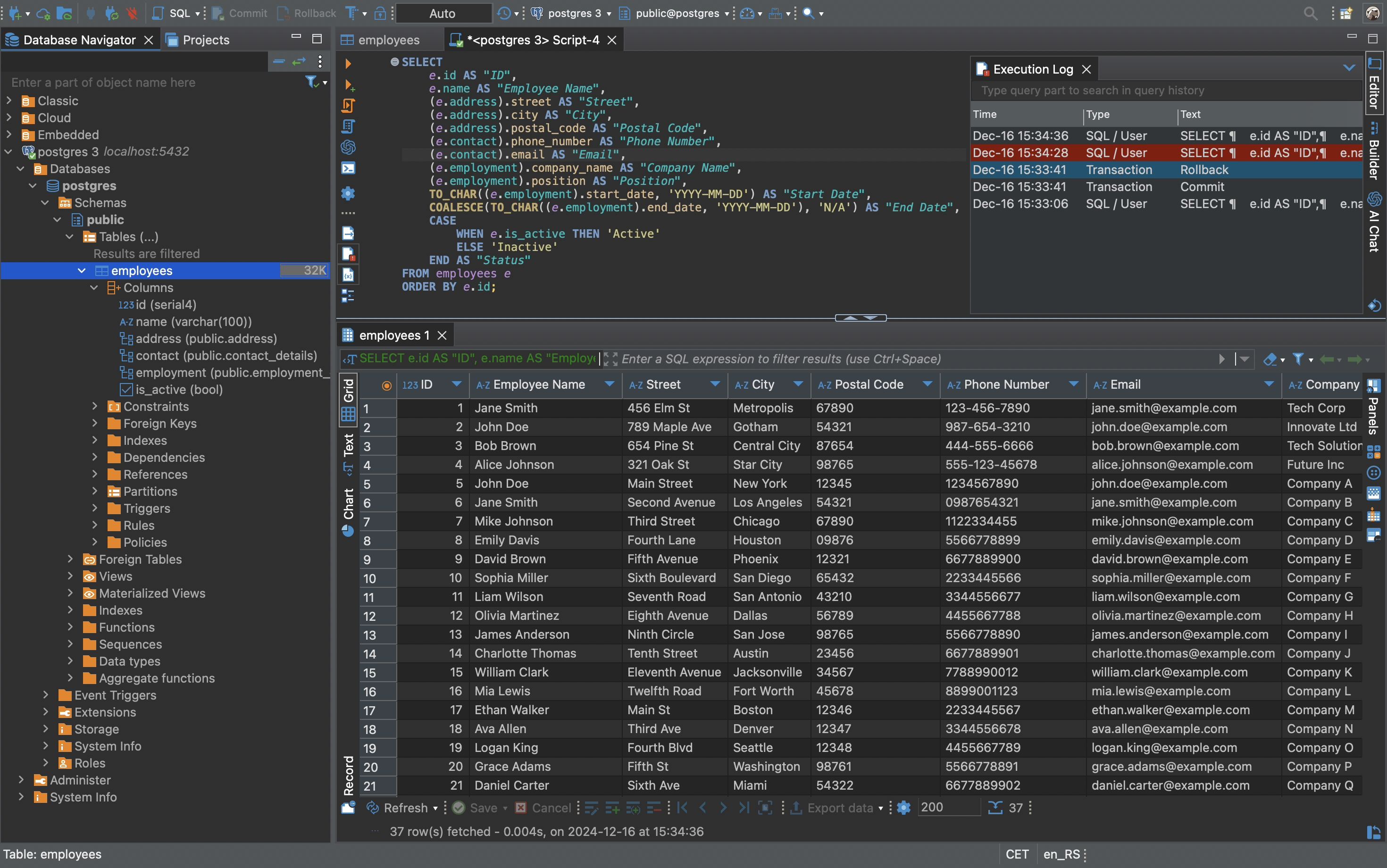
Images from the project's own README.
What it does
NocoDB gives you a spreadsheet-like interface on top of a database, with grid, form, kanban and gallery views. It is a way to build simple internal tools without coding.
Who it's for
Teams that have outgrown spreadsheets.
Key features
- Spreadsheet, kanban, gallery and form views
- Collaboration and permissions
- Automations and API access
Often used instead of: Airtable
Compatibility
NOVI never presents a guess as verified.- WindowsInferred
Runs in Docker, which is available for this system. Not separately confirmed by the project for desktop use.
- macOS (Apple Silicon)Inferred
Runs in Docker, which is available for this system. Not separately confirmed by the project for desktop use.
- macOS (Intel)Inferred
Runs in Docker, which is available for this system. Not separately confirmed by the project for desktop use.
- LinuxEvidence-supported
The project documents a Docker-based installation for Linux servers.
What do these labels mean?
- Confirmed
- NOVI users have completed verified installations on this system.
- Evidence-supported
- The project publishes an official build or package for this system.
- Inferred
- Likely to work based on how the project is built, but not confirmed.
- Unknown
- We have not found enough evidence either way.
- Unsupported
- The project does not support this system.
How to get it
Guided installationNOVI walks you through the official installation steps, one at a time. Difficulty: Advanced.
WindowsAdvanced
Self-host with Docker
For technical users: this runs the software on your own computer or server.
macOS (Apple Silicon)Advanced
Self-host with Docker
For technical users: this runs the software on your own computer or server.
macOS (Intel)Advanced
Self-host with Docker
For technical users: this runs the software on your own computer or server.
LinuxAdvanced
Self-host with Docker
For technical users: this runs the software on your own computer or server.
NOVI never installs software from your browser. Downloads come directly from the project or its publisher. Only install software you trust.
Get it working
A free, personal setup plan for your computer: the official download, exact steps, and a checklist. Saved in your dashboard, with help if you get stuck. NOVI never installs or runs anything on your computer.
Requirements
- Docker — Needed to run the project's official container images.
Cost: Free to self-host; paid cloud plans exist.
Trust and security
- license
No verified open-source licence.
GitHub could not match this repository to a recognised open-source licence. The code is public, but you should not assume you may modify or redistribute it. Check the repository's licence terms.
Source
NOVI checks licences, maintenance activity and distribution sources. NOVI has not audited this project's code and does not certify it as secure. Only install software you trust.
Reviews
No reviews yet
Be the first to share your experience with NocoDB. NOVI never shows invented reviews.
Sign in to write a review.
Recent releases
From GitHub2026.10.1Oct 29, 2026
<img width="1865" height="1147" alt="Group 115" src="https://github.com/user-attachments/assets/1f72ed6f-1f2b-4f89-a033-66b572c6bd90" /> > ⚠️ **Timestamps include milliseconds.** On PostgreSQL and SQLite, date and time values in API responses, webhook payloads and CSV exports now include milliseconds (`12:34:56.000+00:00`). Check integrations that read dates in a fixed format. > **MCP lists every tool.** The MCP server at `/mcp` now lists every tool. If Windsurf or VS Code Copilot shows too many tools, connect it again with the `/mcp-discovery` URL. [Learn more](https://docs.nocodb.com/docs/mcp#clients-that-cap-the-tool-list) > **Password changes sign out your apps.** Changing your password deletes your API tokens and disconnects apps you authorized with OAuth. [Learn more](https://nocodb.com/docs/product/account-settings/api-tokens#password-changes-delete-your-tokens) ## Improvements - **Classic apps on phones** - Published classic apps fit phone screens, including the sidebar, toolbars, record forms, dashboard groups and pivot widgets. - **Group by more field types** - Classic app pages group by Links, Formula, Lookup, Rollup and link count fields, and List widgets get a gro
Full release notes2026.10.0Oct 23, 2026
<img width="1865" height="1147" alt="release" src="https://github.com/user-attachments/assets/eb33e34b-77ae-4390-93f5-df7d81439c42" /> <Callout type="info">**Interfaces are now classic apps.** You find them under *Apps*. Your pages, access and published versions stay as they were. [Learn more](https://nocodb.com/docs/classic-apps#classic-apps-were-interfaces)</Callout> ## Availability | Feature | Community Edition | Cloud Free Plan | Paid Plans In Cloud/On-Prem | | --- | :---: | :---: | :---: | | Resource Allocation in Timeline View | – | – | ✅ | | Play Back a Workflow Run | ✅ | ✅ | ✅ | | Run an Automation from a Button | – | ✅ | ✅ | | Images and Attachments in Workflow Emails | – | – | ✅ | | Connect Your AI Tools by Signing In | ✅ | ✅ | ✅ | | Single Select Format for Text Formulas | ✅ | ✅ | ✅ | Timeline View requires the Business plan and above on NocoDB Cloud. Send Email, Gmail, and Outlook steps require the Plus plan and above on NocoDB Cloud. ## Resource Allocation in Timeline View Timeline View now shows how much of each person's working hours their scheduled tasks use, for every day, week, or month on screen. Overbooked periods turn red. The calculation allows for wor
Full release notes2026.09.1Sep 29, 2026
<img width="1865" height="1147" alt="image" src="https://github.com/user-attachments/assets/c97fae32-5349-432f-beaf-1e8559e60a2f" /> ## Availability | Feature | Community Edition | Cloud Free Plan | Paid Plans In Cloud/On-Prem | | --- | :---: | :---: | :---: | | Account-Wide MCP Connections | – | ✅ | ✅ | | Table Tools | ✅ | ✅ | ✅ | | Summarize in Timeline View | – | – | ✅ | | Track Specific Fields in Last Modified | ✅ | ✅ | ✅ | | YouTrack Sync | – | – | ✅ | Timeline View requires the Business plan and above on NocoDB Cloud, and App Sync requires the Plus plan and above. ## Account-Wide MCP Connections One MCP connection now reaches every base you pick, with the tools you allow and never more than your own role. The server now has 199 tools, 50 more than 2026.09.0, including member and team management, attachment upload, upsert, audit logs, trash restore, and publishing. <img width="2264" height="1566" alt="image" src="https://github.com/user-attachments/assets/6cfb0af9-0919-4810-a616-9c5252761860" /> [Learn more about MCP →](https://nocodb.com/docs/apis-and-mcp/mcp) ## Table Tools A single Tools button in the view toolbar opens fields, relations, permissions, webhooks, a
Full release notes2026.09.0Sep 10, 2026
<img width="1865" height="1147" alt="Feature release - 2026 09 0-OSS (1)" src="https://github.com/user-attachments/assets/77f634b7-695a-4f98-88ed-dcaa9b75175b" /> ## Availability | Feature | Community Edition | Cloud Free Plan | Paid Plans In Cloud/On-Prem | | --- | :---: | :---: | :---: | | NocoDB in Claude Connectors | ✅ | ✅ | ✅ | | 1200% More MCP Tools | – | ✅ | ✅ | | Rich Text Emails in Workflows | – | – | ✅ | Rich Text Emails require the Plus plan and above on NocoDB Cloud. In the Community Edition, the MCP server keeps its record tools. ## NocoDB in Claude Connectors NocoDB is now available in Claude Connectors, so a base can be connected to Claude from the connectors directory rather than adding the MCP URL manually. Once connected, Claude can use every MCP tool the connecting user's role allows, which as of this release is a set of 149 covering the whole workspace. <img width="1280" height="1102" alt="claude-connectors" src="https://github.com/user-attachments/assets/9a241a7f-c90d-4bde-b3c4-665914eeb13d" /> ## 1200% More MCP Tools The MCP server has gone from 11 tools to 149, covering the whole workspace, not just records. Claude, ChatGPT, Cursor, or any MCP client
Full release notes2026.08.2Sep 3, 2026
<img width="1865" height="1147" alt="image" src="https://github.com/user-attachments/assets/bb089b51-0aed-4434-a7f4-75179024118c" /> ## Availability | Feature | Community Edition | Cloud Free Plan | Paid Plans In Cloud/On-Prem | | --- | :---: | :---: | :---: | | Charts on Interface Dashboards | ✅ | ✅ | ✅ | | Linked Records as Embedded Views | ✅ | ✅ | ✅ | | Workflow Folders | ✅ | ✅ | ✅ | | Comment Notifications | ✅ | ✅ | ✅ | In the Community Edition, features are available within its included interface and workflow limits. ## Charts on Interface Dashboards Charts on interface dashboard pages can now plot more than one field at a time, such as budget alongside actual spend. A second Y-axis gives a field with different units its own scale, drawn as a bar, line, or scatter over the first. <img width="1920" height="1207" alt="image" src="https://github.com/user-attachments/assets/b8ff847f-d5ce-4849-85aa-7ff215dcbb2d" /> [Learn more about interface dashboards →](https://nocodb.com/docs/interfaces/layouts/dashboard) ## Linked Records as Embedded Views Link fields shown as a view on record detail pages are now full working visualizations. Viewers can search, sort, filter, and gro
Full release notes
Where this information comes from
- Description, audience and features: Written by NOVI editors from the project's README and official website. link
- Statistics, licence and releases: GitHub API link
GitHub data last refreshed 3 days ago. NocoDB is the property of its authors. NOVI is not affiliated with this project.