lazygit
A simple visual interface for Git, inside your terminal

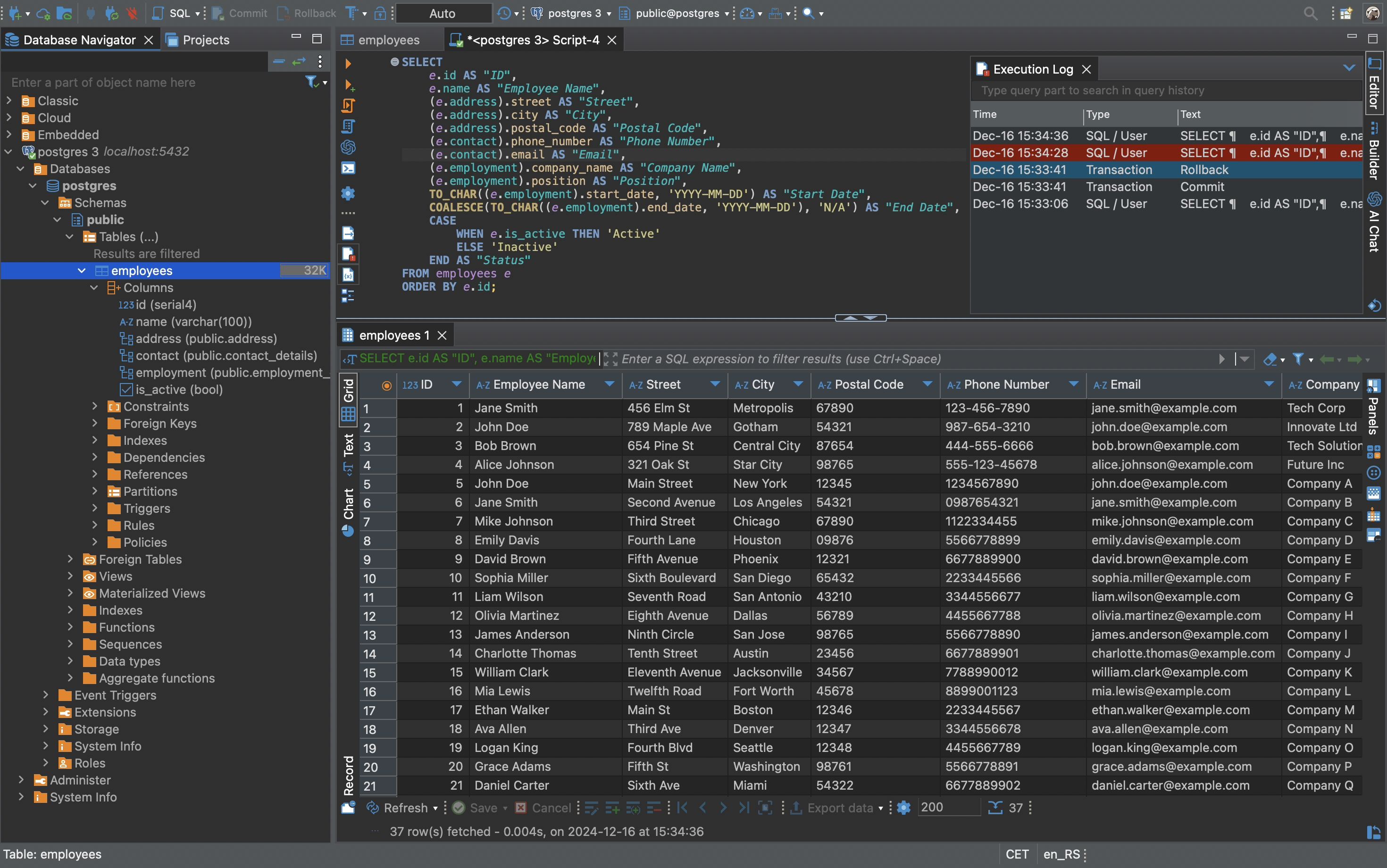
Images from the project's own README.
What it does
lazygit makes the Git version-control tool easier by showing your files, changes and history in panels you navigate with the keyboard, instead of requiring you to remember commands.
Who it's for
Programmers who use Git and work in a terminal.
Key features
- See changes, branches and history at a glance
- Stage, commit and push with single keys
- Makes complex Git tasks approachable
Often used instead of: GitKraken, Sourcetree
Compatibility
NOVI never presents a guess as verified.- WindowsEvidence-supported
Available as an official WinGet package (“JesseDuffield.lazygit”).
- macOS (Apple Silicon)Evidence-supported
Available as an official Homebrew package (“lazygit”).
- macOS (Intel)Evidence-supported
Available as an official Homebrew package (“lazygit”).
- LinuxEvidence-supported
The official release v0.66.3 includes “lazygit_0.66.3_linux_32-bit.tar.gz”.
What do these labels mean?
- Confirmed
- NOVI users have completed verified installations on this system.
- Evidence-supported
- The project publishes an official build or package for this system.
- Inferred
- Likely to work based on how the project is built, but not confirmed.
- Unknown
- We have not found enough evidence either way.
- Unsupported
- The project does not support this system.
How to get it
Direct downloadDownload the official installer from the project or its publisher, then open it. Difficulty: Moderate.
WindowsDirect downloadGuided
Download from the official release
File attached to the project's official GitHub release. NOVI links to it; the file comes straight from github.com, not from NOVI. Where this link comes from
- 1
After it downloads. Open the downloaded file (usually in your Downloads folder) and follow the installer. If Windows SmartScreen warns you, check that the file came from the address shown above before choosing to run it.
Install with WinGet
Installs Windows applications using WinGet, Microsoft's package manager included with Windows 10 and 11. You run these steps yourself; NOVI does not install anything from this website.
- 1
Open Windows Terminal or PowerShell. Right-click the Start button and choose Terminal. WinGet is included with Windows 10 (recent updates) and Windows 11; type “winget --version” to check.
- 2
Copy this command and press Enter. It installs the package from Microsoft's official WinGet catalogue. Windows may ask for administrator approval for some installers; only approve it if you trust this software.
winget install --id JesseDuffield.lazygit --exact --source winget --accept-package-agreements --accept-source-agreements - 3
Check it worked. The app appears in your Start menu. This command lists it as installed:
winget list --id JesseDuffield.lazygit --exact --source winget - 4
See the official package listing. Shows the publisher's installer that WinGet downloads. Open
macOS (Apple Silicon)Guided
Install with Homebrew
Installs command-line software using Homebrew on macOS or Linux. You run these steps yourself; NOVI does not install anything from this website.
- 1
Make sure Homebrew is installed. Homebrew is a free, widely used tool for installing software on a Mac. Open the Terminal app and type “brew --version”. If you see a version number you already have it; otherwise follow the one-line instructions on brew.sh. Open
- 2
Copy this command into Terminal and press Return. It installs the package from Homebrew's official catalogue only. Homebrew checks the download against a known checksum.
brew install --formula homebrew/core/lazygit - 3
Check it worked. Run this command; it should print the installed version:
brew list --formula --versions lazygit - 4
See the official package listing. Shows exactly what Homebrew installs and where it comes from. Open
macOS (Intel)Guided
Install with Homebrew
Installs command-line software using Homebrew on macOS or Linux. You run these steps yourself; NOVI does not install anything from this website.
- 1
Make sure Homebrew is installed. Homebrew is a free, widely used tool for installing software on a Mac. Open the Terminal app and type “brew --version”. If you see a version number you already have it; otherwise follow the one-line instructions on brew.sh. Open
- 2
Copy this command into Terminal and press Return. It installs the package from Homebrew's official catalogue only. Homebrew checks the download against a known checksum.
brew install --formula homebrew/core/lazygit - 3
Check it worked. Run this command; it should print the installed version:
brew list --formula --versions lazygit - 4
See the official package listing. Shows exactly what Homebrew installs and where it comes from. Open
LinuxDirect download
Download from the official release
File attached to the project's official GitHub release. NOVI links to it; the file comes straight from github.com, not from NOVI. Where this link comes from
- 1
After it downloads. Open the downloaded file with your software centre, or follow the project's instructions for this file type (AppImage files need to be marked as executable first).
NOVI never installs software from your browser. Downloads come directly from the project or its publisher. Only install software you trust.
Get it working
A free, personal setup plan for your computer: the official download, exact steps, and a checklist. Saved in your dashboard, with help if you get stuck. NOVI never installs or runs anything on your computer.
Requirements
- Homebrew for automatic install — Installs command-line software using Homebrew on macOS or Linux. The NOVI companion checks whether it is present.
- WinGet for automatic install — Installs Windows applications using WinGet, Microsoft's package manager included with Windows 10 and 11. The NOVI companion checks whether it is present.
Trust and security
- license
Published under the MIT License (MIT).
Licence detected by GitHub from the repository's licence file. Read the full licence before modifying or redistributing.
Source - distribution
Distributed through Homebrew, an established package source.
The package manager checks downloads against a published checksum before installing.
Source - distribution
Distributed through WinGet, an established package source.
The package manager checks downloads against a published checksum before installing.
Source
NOVI checks licences, maintenance activity and distribution sources. NOVI has not audited this project's code and does not certify it as secure. Only install software you trust.
Reviews
No reviews yet
Be the first to share your experience with lazygit. NOVI never shows invented reviews.
Sign in to write a review.
Recent releases
From GitHubv0.66.3Nov 7, 2026
<!-- Release notes generated using configuration in .github/release.yml at v0.66.3 --> ## What's Changed ### Fixes 🔧 * Fix removing a submodule in a linked worktree breaking the submodule in the main worktree by @stefanhaller in https://github.com/jesseduffield/lazygit/pull/6186 * Ignore submodules whose name or path in .gitmodules leads outside the repository by @stefanhaller in https://github.com/jesseduffield/lazygit/pull/6187 **Full Changelog**: https://github.com/jesseduffield/lazygit/compare/v0.66.2...v0.66.3
Full release notesv0.66.2Oct 16, 2026
<!-- Release notes generated using configuration in .github/release.yml at v0.66.2 --> ## What's Changed ### Enhancements 🔥 * Improve display and handling of deleted submodules and nested repos/worktrees by @stefanhaller in https://github.com/jesseduffield/lazygit/pull/6134 ### Fixes 🔧 * Fix diff rendering after scrolling far down by @stefanhaller in https://github.com/jesseduffield/lazygit/pull/6120 * Make double-click detection more precise by @stefanhaller in https://github.com/jesseduffield/lazygit/pull/6123 * Exit gracefully when a repo or worktree gets deleted from under lazygit by @stefanhaller in https://github.com/jesseduffield/lazygit/pull/6129 * Fix "Jump to File" menu showing only half of the entries, in some rare cases by @stefanhaller in https://github.com/jesseduffield/lazygit/pull/6136 ### Maintenance ⚙️ * Restore the terminal more reliably after a panic by @stefanhaller in https://github.com/jesseduffield/lazygit/pull/6124 * Bump github.com/xo/terminfo from 1.0.0 to 1.2.0 by @dependabot[bot] in https://github.com/jesseduffield/lazygit/pull/6053 * Bump go version to 1.26 by @stefanhaller in https://github.com/jesseduffield/lazygit/pull/6137 * Bump golang.org/x/sy
Full release notesv0.66.1Oct 11, 2026
A few bug fixes for regressions introduced with the last release, and also some for older bugs. One visible change is that the narrow selection bar in the focused diff view is now shown on both sides of the view rather than just on the left. This should improve usability for users with very large monitors, especially when using a side-by-side diff renderer. For the changes of the last big release, see [v0.66.0](https://github.com/jesseduffield/lazygit/releases/tag/v0.66.0). <!-- Release notes generated using configuration in .github/release.yml at v0.66.1 --> ## The changes in detail ### Enhancements 🔥 * Allow scrolling the diff view horizontally when gui.wrapLinesInDiffView is off by @stefanhaller in https://github.com/jesseduffield/lazygit/pull/6109 * Show the diff view's narrow selection bar on the right edge too by @stefanhaller in https://github.com/jesseduffield/lazygit/pull/6105 ### Fixes 🔧 * Fix staging diff hunks when the diff.mnemonic git config is true by @stefanhaller in https://github.com/jesseduffield/lazygit/pull/6099 * Show errors for unresolvable diff lines by @stefanhaller in https://github.com/jesseduffield/lazygit/pull/6100 * Fix double-width characters in
Full release notesv0.66.0Oct 5, 2026
<!-- Release notes generated using configuration in .github/release.yml at v0.66.0 --> This is by far the biggest release since I took over maintainership from Jesse, and some of the changes deserve a bit more explanation than usual. - **Staging hunks is now done directly from the main view.** There used to be a separate staging panel that you had to enter if you wanted to stage individual diff hunks; it was limited to one file at a time, and showed the raw git diff rather than the configured diff renderer. This is gone; the main view now has a selection when you focus it, and you can act on the selected hunk or line directly there: - press space to stage a hunk or range of lines - navigate to the next/previous hunk with `<right>`/`<left>`, or the next/previous file with `n`/`N` - press `e` to jump to the editor on the selected line - press `d` to discard a hunk. Many other enhancements were added to this new interactive diff view: - alt-click a line to jump to that line in the diff view (this works even when a popup panel is showing above it, e.g. the commit message editor) - press `<ctrl-g>` to see a menu with all the files in the diff, to quickly jump to one
Full release notesv0.65.1Sep 13, 2026
<!-- Release notes generated using configuration in .github/release.yml at v0.65.1 --> ## What's Changed ### Fixes 🔧 * Fix Esc being handled with significant delay on some terminals by @stefanhaller in https://github.com/jesseduffield/lazygit/pull/6011 * Avoid loading or migrating the user config in daemon mode by @stefanhaller in https://github.com/jesseduffield/lazygit/pull/6001 ### Maintenance ⚙️ * Allow running tests from a tarball by @stefanhaller in https://github.com/jesseduffield/lazygit/pull/6003 **Full Changelog**: https://github.com/jesseduffield/lazygit/compare/v0.65.0...v0.65.1
Full release notes
Where this information comes from
- Description, audience and features: Written by NOVI editors from the project's README and official website. link
- Statistics, licence and releases: GitHub API link
- Available through Homebrew: Official package registry link
- Available through WinGet: Official package registry link
- Direct download links: Files attached to the project's official GitHub release v0.66.3 link
GitHub data last refreshed 3 days ago. lazygit is the property of its authors. NOVI is not affiliated with this project.