GnuCash
Accounting for your household or small business
What it does
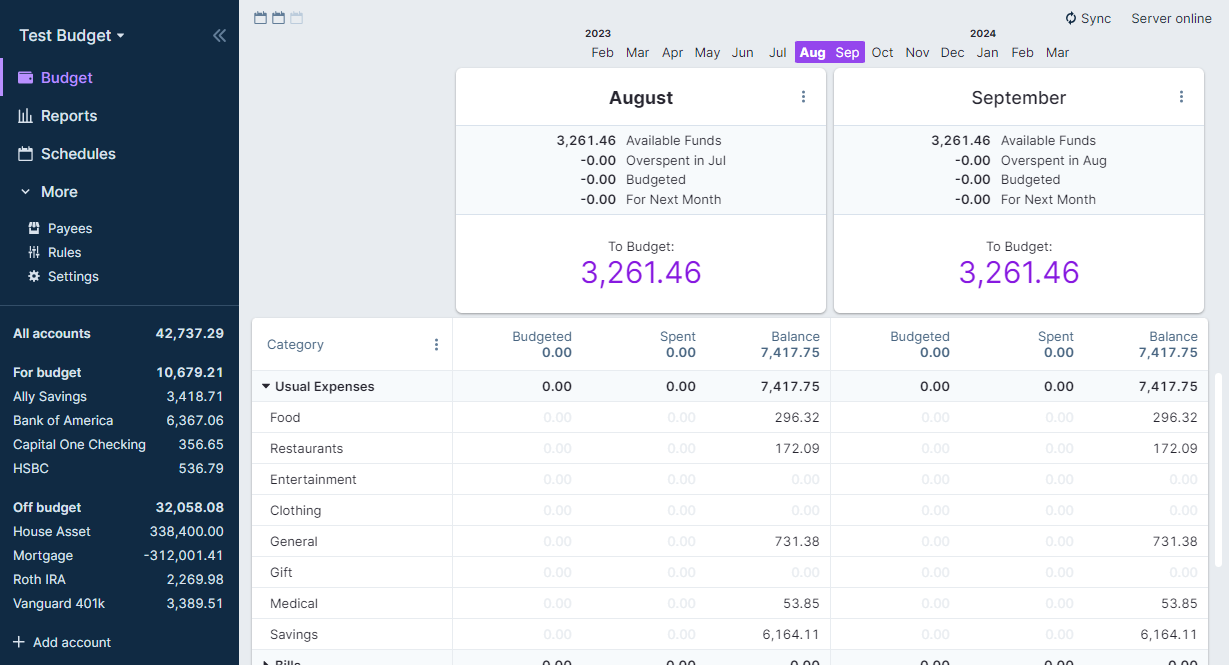
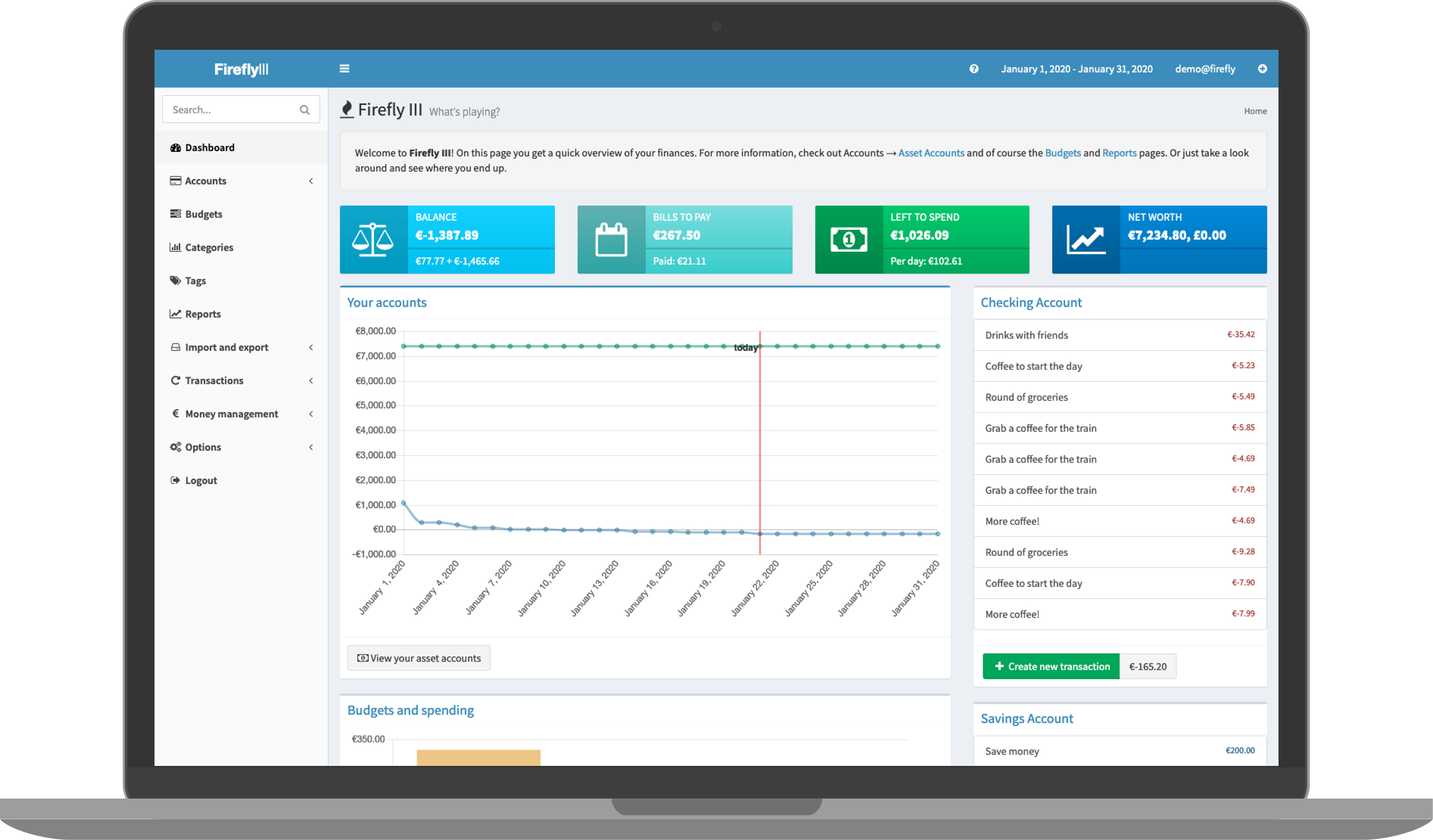
GnuCash is desktop accounting software using the double-entry method professionals rely on. Track bank accounts, income, expenses and investments, and produce reports.
Who it's for
Households and small businesses that want proper bookkeeping.
Key features
- Double-entry accounting
- Invoices, customers and vendors
- Reports and graphs
Often used instead of: Quicken, QuickBooks
Compatibility
NOVI never presents a guess as verified.- WindowsEvidence-supported
Available as an official WinGet package (“GnuCash.GnuCash”).
- macOS (Apple Silicon)Evidence-supported
Available as an official Homebrew Cask package (“gnucash”).
- macOS (Intel)Evidence-supported
Available as an official Homebrew Cask package (“gnucash”).
- LinuxEvidence-supported
Available as an official Flatpak (Flathub) package (“org.gnucash.GnuCash”).
What do these labels mean?
- Confirmed
- NOVI users have completed verified installations on this system.
- Evidence-supported
- The project publishes an official build or package for this system.
- Inferred
- Likely to work based on how the project is built, but not confirmed.
- Unknown
- We have not found enough evidence either way.
- Unsupported
- The project does not support this system.
How to get it
Direct downloadDownload the official installer from the project or its publisher, then open it. Difficulty: Moderate.
WindowsDirect downloadGuided
Download from the official release
File attached to the project's official GitHub release. NOVI links to it; the file comes straight from github.com, not from NOVI. Where this link comes from
- 1
After it downloads. Open the downloaded file (usually in your Downloads folder) and follow the installer. If Windows SmartScreen warns you, check that the file came from the address shown above before choosing to run it.
Install with WinGet
Installs Windows applications using WinGet, Microsoft's package manager included with Windows 10 and 11. You run these steps yourself; NOVI does not install anything from this website.
- 1
Open Windows Terminal or PowerShell. Right-click the Start button and choose Terminal. WinGet is included with Windows 10 (recent updates) and Windows 11; type “winget --version” to check.
- 2
Copy this command and press Enter. It installs the package from Microsoft's official WinGet catalogue. Windows may ask for administrator approval for some installers; only approve it if you trust this software.
winget install --id GnuCash.GnuCash --exact --source winget --accept-package-agreements --accept-source-agreements - 3
Check it worked. The app appears in your Start menu. This command lists it as installed:
winget list --id GnuCash.GnuCash --exact --source winget - 4
See the official package listing. Shows the publisher's installer that WinGet downloads. Open
macOS (Apple Silicon)Direct downloadGuided
Download from the official release
File attached to the project's official GitHub release. NOVI links to it; the file comes straight from github.com, not from NOVI. Where this link comes from
- 1
After it downloads. Open the downloaded file from your Downloads folder. For a .dmg, drag the app into Applications; for a .zip, double-click to unpack it, then move the app into Applications. The first time you open it, macOS may ask you to confirm.
Install with Homebrew Cask
Installs macOS applications using Homebrew, a widely used package manager for macOS. You run these steps yourself; NOVI does not install anything from this website.
- 1
Make sure Homebrew is installed. Homebrew is a free, widely used tool for installing software on a Mac. Open the Terminal app and type “brew --version”. If you see a version number you already have it; otherwise follow the one-line instructions on brew.sh. Open
- 2
Copy this command into Terminal and press Return. It installs the package from Homebrew's official catalogue only. Homebrew checks the download against a known checksum.
brew install --cask homebrew/cask/gnucash - 3
Check it worked. The app appears in your Applications folder. You can also run this command to see the installed version:
brew list --cask --versions gnucash - 4
See the official package listing. Shows exactly what Homebrew installs and where it comes from. Open
macOS (Intel)Direct downloadGuided
Download from the official release
File attached to the project's official GitHub release. NOVI links to it; the file comes straight from github.com, not from NOVI. Where this link comes from
- 1
After it downloads. Open the downloaded file from your Downloads folder. For a .dmg, drag the app into Applications; for a .zip, double-click to unpack it, then move the app into Applications. The first time you open it, macOS may ask you to confirm.
Install with Homebrew Cask
Installs macOS applications using Homebrew, a widely used package manager for macOS. You run these steps yourself; NOVI does not install anything from this website.
- 1
Make sure Homebrew is installed. Homebrew is a free, widely used tool for installing software on a Mac. Open the Terminal app and type “brew --version”. If you see a version number you already have it; otherwise follow the one-line instructions on brew.sh. Open
- 2
Copy this command into Terminal and press Return. It installs the package from Homebrew's official catalogue only. Homebrew checks the download against a known checksum.
brew install --cask homebrew/cask/gnucash - 3
Check it worked. The app appears in your Applications folder. You can also run this command to see the installed version:
brew list --cask --versions gnucash - 4
See the official package listing. Shows exactly what Homebrew installs and where it comes from. Open
LinuxDirect downloadGuided
Get it from Flathub
Flathub is the official app store for Linux Flatpak apps. NOVI links to it; the file comes straight from flathub.org, not from NOVI. Where this link comes from
- 1
After it downloads. Open the downloaded file with your software centre, or follow the project's instructions for this file type (AppImage files need to be marked as executable first).
Install with Flatpak (Flathub)
Installs sandboxed Linux applications from Flathub for your user account only. You run these steps yourself; NOVI does not install anything from this website.
- 1
Make sure Flatpak and Flathub are set up. Many Linux systems include Flatpak. Flathub's setup page has short instructions for every major distribution. Open
- 2
Copy this command into a terminal and press Enter. It installs the app from Flathub for your user account only — no administrator password needed — and runs it in Flatpak's sandbox.
flatpak install --user flathub org.gnucash.GnuCash - 3
Check it worked. The app appears in your applications menu. This command shows its details:
flatpak info --user org.gnucash.GnuCash - 4
See the official Flathub page. Shows the app's permissions and who publishes it. Open
NOVI never installs software from your browser. Downloads come directly from the project or its publisher. Only install software you trust.
Get it working
A free, personal setup plan for your computer: the official download, exact steps, and a checklist. Saved in your dashboard, with help if you get stuck. NOVI never installs or runs anything on your computer.
Requirements
- Homebrew Cask for automatic install — Installs macOS applications using Homebrew, a widely used package manager for macOS. The NOVI companion checks whether it is present.
- WinGet for automatic install — Installs Windows applications using WinGet, Microsoft's package manager included with Windows 10 and 11. The NOVI companion checks whether it is present.
- Flatpak (Flathub) for automatic install — Installs sandboxed Linux applications from Flathub for your user account only. The NOVI companion checks whether it is present.
Trust and security
- license
No verified open-source licence.
GitHub could not match this repository to a recognised open-source licence. The code is public, but you should not assume you may modify or redistribute it. Check the repository's licence terms.
Source - distribution
Distributed through Homebrew Cask, an established package source.
The package manager checks downloads against a published checksum before installing.
Source - distribution
Distributed through WinGet, an established package source.
The package manager checks downloads against a published checksum before installing.
Source - distribution
Distributed through Flatpak (Flathub), an established package source.
The package manager checks downloads against a published checksum before installing.
Source
NOVI checks licences, maintenance activity and distribution sources. NOVI has not audited this project's code and does not certify it as secure. Only install software you trust.
Reviews
No reviews yet
Be the first to share your experience with GnuCash. NOVI never shows invented reviews.
Sign in to write a review.
Recent releases
From GitHub5.17Sep 27, 2026
<b>Announcement:</b> GnuCash 5.17 Released 2026-09-27 <h2>GnuCash 5.17 Released</h2> <p>The GnuCash development team announces GnuCash 5.17, the seventeenth release in the stable 5.x series.</p> <h4>Between 5.16 and 5.17, the following bugfixes were accomplished:</h4> <ul> <li><a href="https://bugs.gnucash.org/show_bug.cgi?id=797872">Bug 797872 - Multiple check printing results in nothing sent to print queue after first check</a></li> <li><a href="https://bugs.gnucash.org/show_bug.cgi?id=799753">Bug 799753 - Reconciliation error when reconciling transactions posted after the reconcile date</a></li> <li><a href="https://bugs.gnucash.org/show_bug.cgi?id=799772">Bug 799772 - Invoice layout: footer should span both columns and header tables should be easier to align/style</a></li> <li><a href="https://bugs.gnucash.org/show_bug.cgi?id=799774">Bug 799774 - Import transaction from CSV skips fields if CSV file has backslash just before final quote in a quoted field</a></li> <li><a href="https://bugs.gnucash.org/show_bug.cgi?id=799790">Bug 799790 - RFE: Always put Debits before Credits for CSV register export (order transaction splits as shown on screen)</a></li>
Full release notes5.16Jun 28, 2026
<p>The GnuCash development team announces GnuCash 5.16, the seventeenth release in the stable 5.x series.</p> <h4>Between 5.15 and 5.16, the following bugfixes were accomplished:</h4> <ul> <li><a href="https://bugs.gnucash.org/show_bug.cgi?id=421610">Bug 421610 - RFE: Include logical dates for View->Filter by "date range"</a>The Select Range section of the Date tab of the register's Filter By dialog box is changed to provide relative, specific date, or days ago options for the start and end of the filter range. The Show number of days item label is changed to Show from days ago to better reflect what it does.</li> <li><a href="https://bugs.gnucash.org/show_bug.cgi?id=436105">Bug 436105 - esc key not working as expected in register</a>: Enable the escape key to cancel a field edit.</li> <li><a href="https://bugs.gnucash.org/show_bug.cgi?id=797384">Bug 797384 - Gnucash doesn't handle commodity prices with big numerator/denominator properly.</a?</li> <li><a href="https://bugs.gnucash.org/show_bug.cgi?id=798004">Bug 798004 - Next gen UI for stock transactions</a></li> <li><a href="https://bugs.gnucash.org/show_bug.cgi?id=799314">Bug 799314 - Add "enter now"
Full release notes5.15Mar 29, 2026
<p>The GnuCash development team announces GnuCash 5.15, the sixteenth release in the stable 5.x series.</p> <h4>Between 5.14 and 5.15, the following bugfixes were accomplished:</h4> <ul> <li><a href="https://bugs.gnucash.org/show_bug.cgi?id=666536">Bug 666536 - smallest fraction of KRW is invalid</a></li> <li><a href="https://bugs.gnucash.org/show_bug.cgi?id=798122">Bug 798122 - Message about unable to balance transaction</a>: Implement better can't-balance messages for scheduled transactions with more than one template transaction.</li> <li><a href="https://bugs.gnucash.org/show_bug.cgi?id=798873">Bug 798873 - Crash when scrubbing after "undoing" changes</a></li> <li><a href="https://bugs.gnucash.org/show_bug.cgi?id=799705">Bug 799705 - Remove Old Prices by Namespace</a>: Display namespaces and allow selecting particular namespaces in the Remove Old Prices dialog.</li> <li><a href="https://bugs.gnucash.org/show_bug.cgi?id=799706">Bug 799706 - Rename Namespace</a>: Add a rename namespace button to the Security editor that is enabled by the selection of a namespace row in the tree view. </li> <li><a href="https://bugs.gnucash.org/show_bug.cgi?id=79
Full release notes5.14Dec 21, 2025
<p>The GnuCash development team announces GnuCash 5.14, the fifteenth release in the stable 5.x series.</p> <h4>Between 5.13 and 5.14, the following bugfixes were accomplished:</h4> <ul> <li><a href="https://bugs.gnucash.org/show_bug.cgi?id=799504">Bug 799504 - Description of CAMT 053.001.02 has duplicate text</a></li> <li><a href="https://bugs.gnucash.org/show_bug.cgi?id=799538">Bug 799538 - Clipboard pastes to wrong field in SX editor</a> Fixed Cut, Copy and Paste when focus is not in GnucashSheet. Now, when the user clicks on the "Scheduled Transactions" tab, the focus goes to the last edited cell. </li> <li><a href="https://bugs.gnucash.org/show_bug.cgi?id=799682">Bug 799682 - Unable to "Save As" (or open) a non-xml data file</a></li> <li><a href="https://bugs.gnucash.org/show_bug.cgi?id=799699">Bug 799699 - Inconsistent column headers in scheduled transaction editor</a> Template transactions can't have totals, the formulas are just strings. Don't display the Tot Foo labels, they confuse users. </li> <li><a href="https://bugs.gnucash.org/show_bug.cgi?id=799701">Bug 799701 - SX Editor error When Frequency=Once</a></li> <li><a
Full release notes5.13Sep 29, 2025
<p>The GnuCash development team announces GnuCash 5.13, the fourteenth release in the stable 5.x series.</p> <h4>Between 5.12 and 5.13, the following bugfixes were accomplished:</h4> <ul> <li><a href="https://bugs.gnucash.org/show_bug.cgi?id=343711">Bug 343711 - Splits to Imbalance-USD do not disappear when zero-valued.</a><p>To mitigate potential impact, the Imbalance split is only removed when the split transitions to zero value during the commit of the transaction and the split's memo and action have no value. </p></li> <li><a href="https://bugs.gnucash.org/show_bug.cgi?id=799249">Bug 799249 - Crash while switch to recently opened file</a></li> <li><a href="https://bugs.gnucash.org/show_bug.cgi?id=799638">Bug 799638 - error: call to non-'constexpr' function</a></li> <li><a href="https://bugs.gnucash.org/show_bug.cgi?id=799649">Bug 799649 - Ensure that GnuCash does not crash when it converts a foreign-currency transaction into a trading account transaction.</li> <li><a href="https://bugs.gnucash.org/show_bug.cgi?id=799650">Bug 799650 - Reconcile Ending Balance Ignored When Statement Date Set</a></li> <li><a href="https://bugs.gnucash.org/show_
Full release notes
Where this information comes from
- Description, audience and features: Written by NOVI editors from the project's README and official website. link
- Statistics, licence and releases: GitHub API link
- Available through Homebrew Cask: Official package registry link
- Available through WinGet: Official package registry link
- Available through Flatpak (Flathub): Official package registry link
- Direct download links: Files attached to the project's official GitHub release 5.17 link
GitHub data last refreshed 3 days ago. GnuCash is the property of its authors. NOVI is not affiliated with this project.